

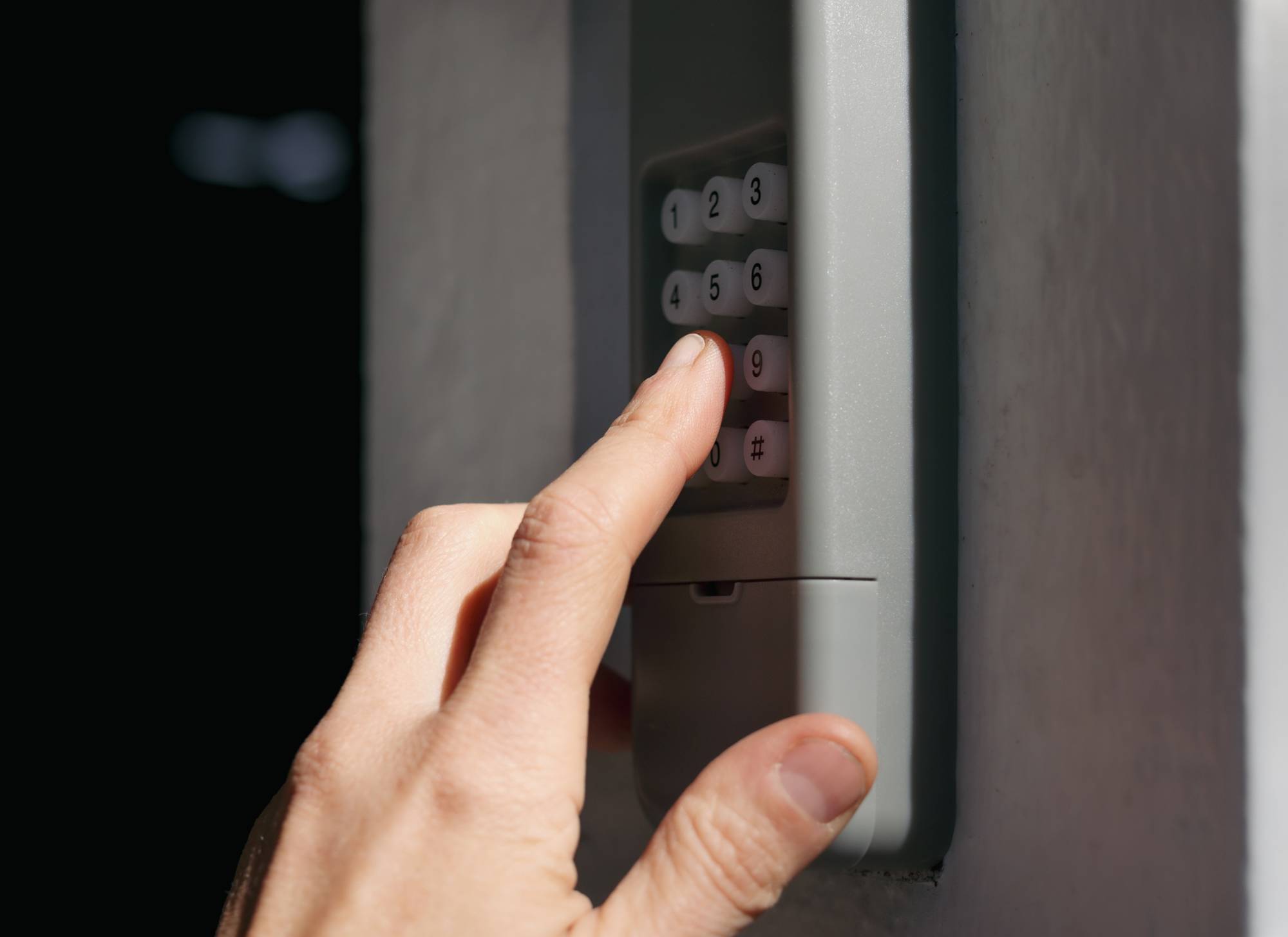
You’re standing in the driveway. You punch in the code. Nothing.
Now you’re staring at your garage door like it personally betrayed you.
Programming a garage door keypad shouldn’t feel like you’re defusing a bomb. But between blinking LEDs, mystery buttons, and instruction manuals written in another language, a quick fix can turn into a drawn-out headache.
The truth is, once you understand the order of steps, it’s straightforward. Whether you need to program garage door keypad access for the first time, reset an old code, or sync a new unit, the process follows the same pattern. If you’ve ever wondered how to program a garage door opener keypad, you’re about to see that it’s easier than it sounds.
Let’s break it down in plain English, so you can get it done and move on with your day.
Understanding Garage Door Keypads and How They Work
A garage door keypad is a wireless entry device connected directly to your garage door opener. Instead of relying on a handheld remote, it uses a secure PIN code to trigger the opener.
When you enter the code, the keypad sends a signal to the motor unit inside your garage, telling it to open or close.
Most keypads work with modern garage door openers and connect directly to the motor unit. They’re battery-powered, weather-resistant, and designed for everyday outdoor use.
When Do You Need to Program or Reprogram a Keypad?
You’ll need to program a garage door keypad when installing a new unit or setting up a new garage door opener. Reprogramming is also necessary if your PIN has been forgotten, shared, or compromised.
If you’re trying to learn how to program a keypad on garage door systems, it helps to remember this: you’re simply pairing two devices. Most modern openers support this setup, whether you’re installing something new or figuring out how to program a garage keypad that stopped working.
Learn to Set Up Your Keypad
What You Need Before You Program a Garage Door Keypad
Before you figure out how to program a garage keypad, take a minute to gather what you’ll need. It saves time and keeps you from running back and forth mid-process.
First, locate the “Learn” or “Program” button on your garage door opener motor unit. It’s usually mounted on the ceiling inside the garage. You’ll need access to the interior, so make sure the door is open or unlocked.
Grab a ladder if the opener is mounted high. Keep your owner’s manual handy or at least note the model number in case you need brand-specific steps.
Finally, decide on a secure PIN ahead of time. If you’re learning how to program a keypad on garage door systems, choosing the right code is just as important as entering it correctly.
How to Program a Garage Door Keypad (Step-by-Step Instructions)
Most openers follow the same basic sequence. Once you know where the Learn button is and how the keypad confirms pairing, you’re halfway there.
The steps below will walk you through the steps to reprogram a garage door remote and keypad. Follow them in order, and you should be able to program garage door keypad access in just a few minutes.
Step 1: Locate the Learn Button on the Garage Door Opener
Start inside the garage and look at the motor unit mounted on the ceiling. The Learn button is usually on the back or side of the opener, sometimes behind the light cover.
It’s typically color-coded (red, yellow, purple, or green) and may be labeled “Learn” or “Program”.
Step 2: Enter Programming Mode on the Keypad
Press and release the Learn button on the opener. An LED light will turn on, giving you about 30 seconds to complete the setup.
Go to the keypad and enter your desired PIN. Then press the Enter or Send button, depending on your model. You may hear a click or see the opener light blink to confirm.
Test the Keypad for Proper Function
After programming, test it right away. Enter your new PIN and press Enter to open the door.
Let it close, then try again. If nothing happens, repeat the process from the beginning and make sure you’re within the programming window.
Program Your Garage Keypad in Minutes
LiftMaster Keypad Programming Instructions
LiftMaster keypad programming follows the same basic pattern as most systems, but there are a few brand-specific details to know. If you’re learning how to program garage door keypad units from LiftMaster, start by locating the Learn button on the motor unit inside your garage.
On newer Security+ 2.0 systems, the Learn button is usually yellow. Older models may have purple, red, or green buttons.
Press and release the Learn button. Within 30 seconds, enter your desired PIN on the keypad and press Enter. The opener light should blink to confirm pairing.
Older LiftMaster models may require you to press Enter more than once to complete syncing.
For best results, stand close to the garage while programming, use a fresh keypad battery, and complete the steps within the 30-second window.
How to Reprogram a Garage Door Keypad for Better Security
There are times when garage door keypad programming is good security. If you’ve shared your code with contractors, misplaced it, moved into a new home, or suspect someone else knows your PIN, it’s time to reset things.
To reprogram your garage door keypad access, start by clearing the opener’s memory. Press and hold the Learn button on the motor unit until the indicator light turns off. Doing this erases stored keypads and remotes.
Next, reset the keypad and program a new PIN. Choose something unpredictable. Skip obvious numbers like birthdays or repeating digits. A strong, unique code keeps your garage access private and secure.
Fix Your Garage Door Keypad Today
How to Fix a Garage Door Keypad That’s Not Working
Before you assume something major is wrong, take a breath. Most keypad issues are small and easy to fix. In many cases, the solution has nothing to do with complicated garage door keypad programming and everything to do with simple wear and tear.
Common Garage Door Keypad Problems
Dead batteries are the most common culprit. If the keypad doesn’t light up, replace the battery first.
Worn or stuck buttons can also prevent proper input, especially on older units. Over time, outdoor exposure takes a toll.
Signal interference is another possibility. Nearby electronics, LED bulbs, or even weather conditions can weaken communication between the keypad and opener.
Troubleshooting Tips Before Calling a Professional
Start by replacing the battery with a fresh one. Even if the light comes on, a weak battery can cause inconsistent performance.
Next, try garage door keypad programming again from scratch. Press the Learn button and re-enter your PIN carefully. If that doesn’t work, clear the opener’s memory and reset the system completely before assuming it’s a bigger issue.
When basic troubleshooting doesn’t work, it may be time for professional help with services for garage doors in Reno, NV.
FAQs About Garage Door Keypad Programming
Do all garage door keypads work the same way?
The general process is similar across most brands, but button layouts and confirmation steps can vary. Some use an Enter button, others use an arrow key. Always check your model’s instructions for brand-specific programming details.
Why won’t my garage door keypad accept a new code?
Common reasons include a dead battery, waiting too long after pressing the Learn button, or the opener’s memory being full. Try replacing the battery, restarting the process, or clearing the opener’s memory before programming again.
Can I program a keypad without the opener remote?
Yes. You don’t need a working remote to complete garage door keypad programming. As long as you have access to the opener’s Learn button inside the garage, you can sync the keypad directly to the motor unit.
How long does it take to program a garage door keypad?
In most cases, programming takes two to five minutes. The longest part is usually finding the Learn button on the opener. Once you’re in programming mode, entering and confirming the PIN only takes a few seconds.
Get Help with Garage Door Keypad Programming
At first glance, programming a garage door keypad feels complicated. It gives the impression that you’re about to mess something up.
You’re not.
The entire process comes down to syncing the keypad with the opener. You activate the opener’s programming mode, enter your new PIN, and confirm it. That’s the system. There’s no hidden trick or advanced setup buried behind the scenes.
If you’re in the Reno area and need reliable help, reach out to the team at Thompson Garage Doors. Our technicians can diagnose keypad issues, reset your system, and make sure everything is working the way it should.
Schedule your service today.